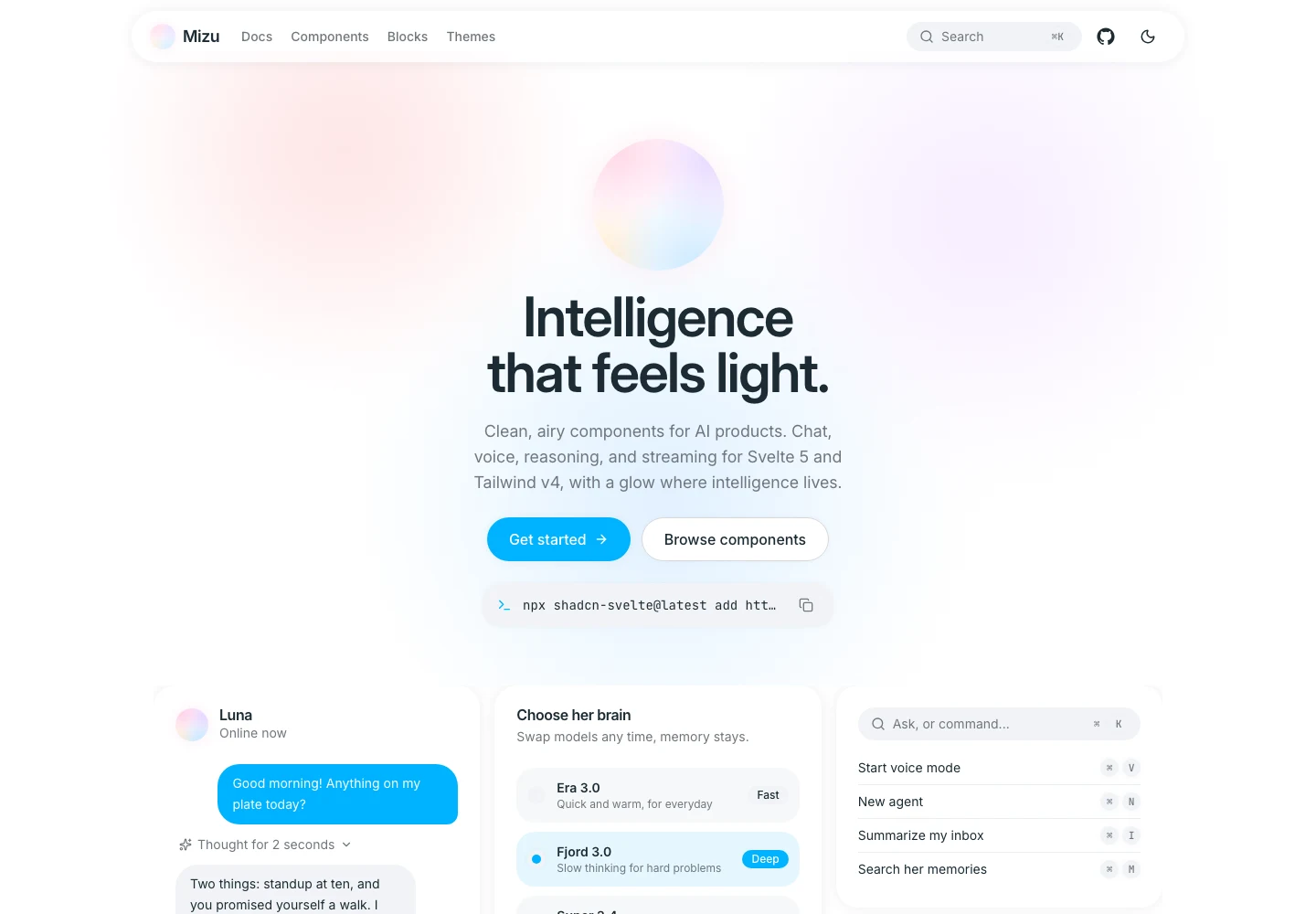
Mizu is an open-source design system for teams building AI products. It combines the familiar foundations a product team expects with patterns that traditional UI libraries rarely cover well: streaming responses, visible reasoning, tool calls, sources, voice input, agent activity, and model selection.
The goal was not to make AI software look futuristic. It was to make intelligence feel understandable, calm, and useful.
The Problem
Most component libraries stop exactly where an AI product becomes distinctive. Buttons, dialogs, forms, and menus are covered. The product team is then left to independently invent the most important interactions: how a response streams, how reasoning is disclosed, how tool activity is explained, how voice feels present, and how an autonomous agent communicates progress.
That creates three problems:
- AI interactions feel bolted on. Product foundations and intelligence states often look like two unrelated systems.
- Teams rebuild the same patterns. Chat bubbles, reasoning panels, sources, and tool calls get recreated for every product.
- Ownership gets traded for convenience. Package-first libraries can be fast to adopt but difficult to inspect, adapt, or maintain without version lock-in.
Mizu needed to cover the full product surface while remaining visually quiet and technically easy to own.
A Quiet Visual Language
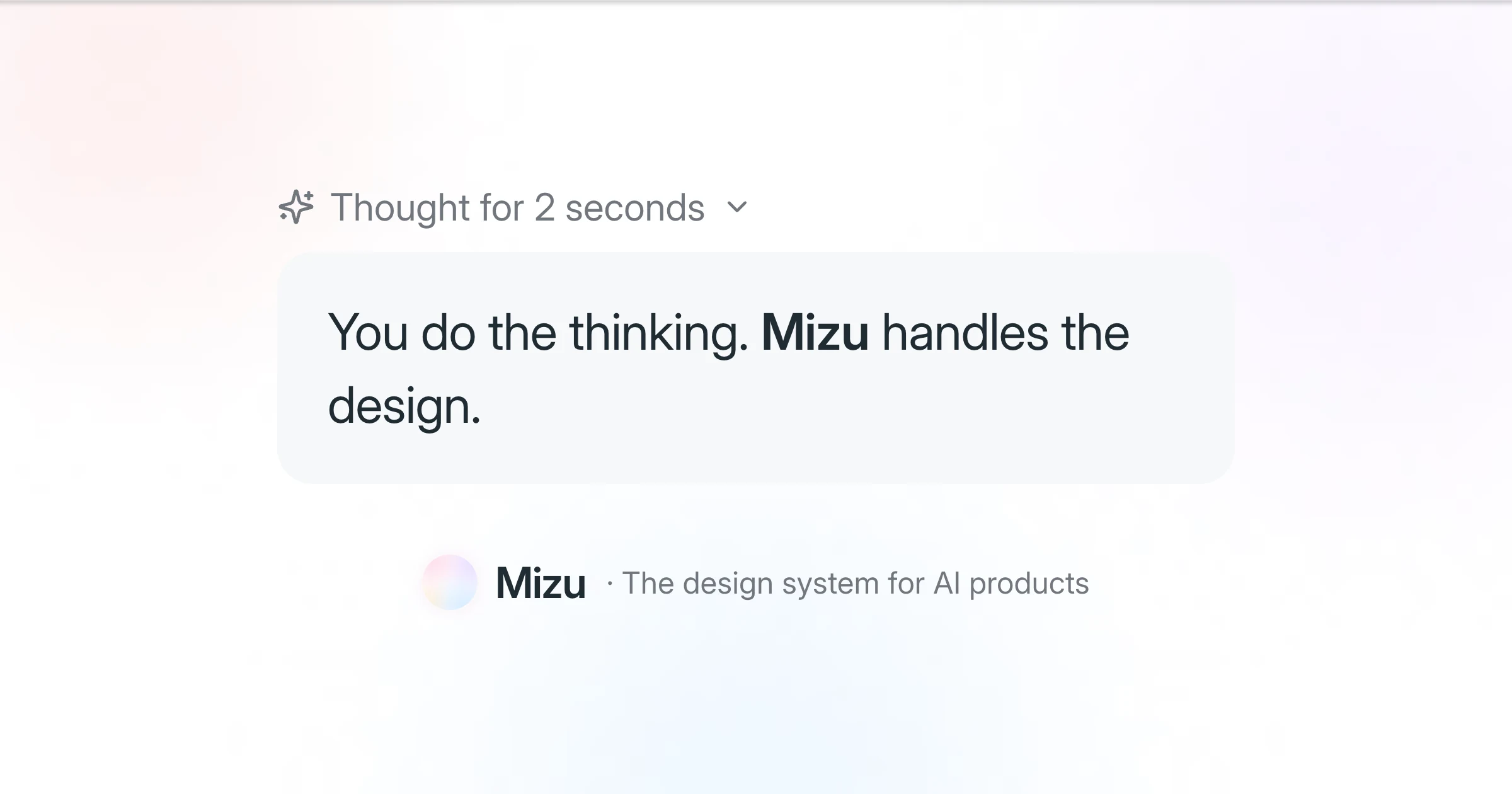
The system is built around restraint. Hierarchy comes from spacing, type, soft tonal surfaces, and shadows that are felt more than seen. A single cyan primary color carries selection, focus, and action. Pastel light appears only where intelligence is present.
That separation became a core rule:
The product stays quiet. The intelligence gets the glow.
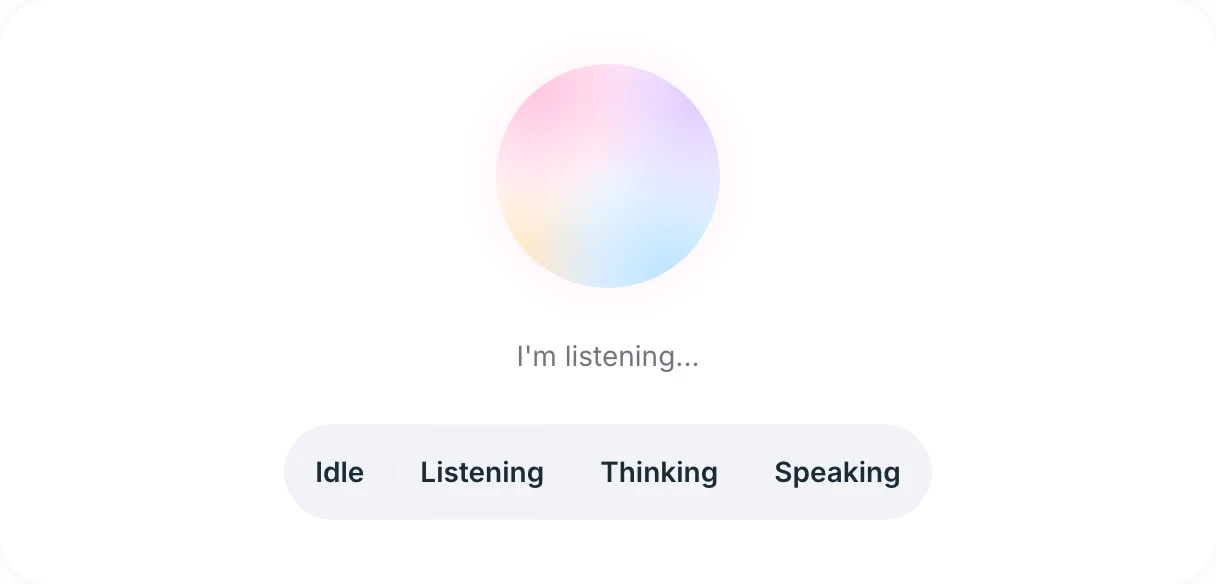
The Mizu orb is intentionally soft and ambiguous. It can read as a presence, a voice state, a processing state, or simply a signature. Blush, lavender, cream, and ice blue keep it warm without tying the system to a character or assistant persona.
Light mode uses white-on-white surfaces, low-contrast structure, and one clear cyan action color. Dark mode moves to pure black and stepped slate surfaces instead of reversing every light-mode border. Both themes share the same semantic tokens, so teams can recolor the system by changing --primary once.
Designing the AI Moments
Mizu treats AI behavior as a first-class interaction layer rather than a collection of decorative effects.
Chat and streaming
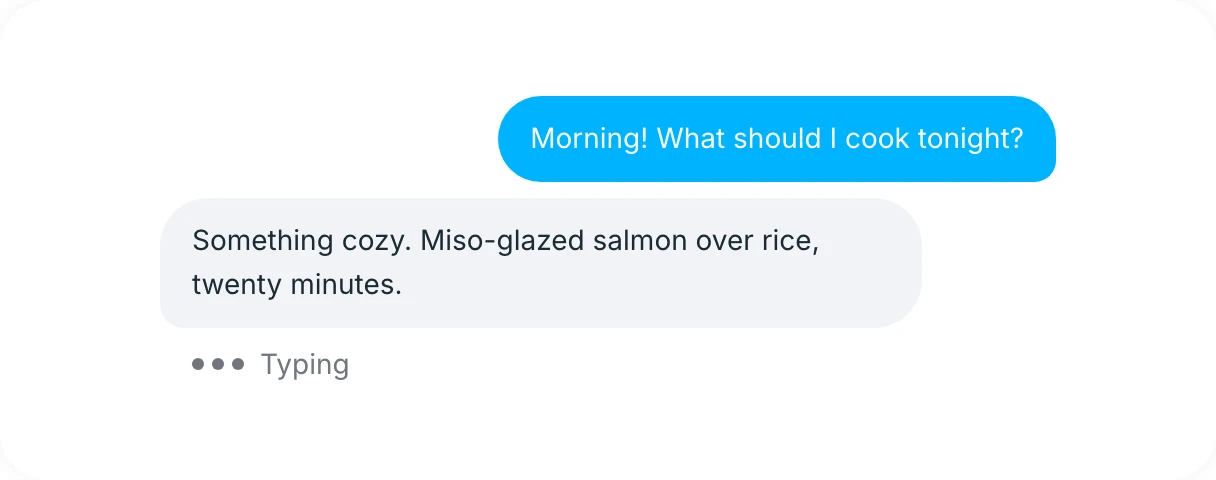
Chat bubbles, streaming text, message actions, prompt suggestions, and sources share one rhythm. Loading and response states reserve space before content arrives, reducing visual jump. Actions remain secondary until the response is ready.
Reasoning and tools
Reasoning and tool-call components make system activity visible without turning every answer into a developer console. Progressive disclosure lets a user understand that work is happening, inspect it when necessary, and ignore the implementation detail when it is not.
The Reasoning component keeps the active state compact and readable while work is still streaming.

Tool Call uses the same restrained hierarchy to distinguish active, completed, and failed system actions without exposing raw implementation noise.

Voice and presence
The Voice Orb and Waveform components use motion and light as status. Color and amplitude communicate listening, processing, and speaking while text remains available for clarity and accessibility. Motion is deliberately slow, interruptible, and disabled when reduced motion is requested.
Agents and autonomy
Plans, timelines, nudges, progress, and agent-run blocks give longer tasks a legible structure. The interface makes the current step, completed work, and pending decisions obvious so autonomy does not become opacity.

Together, the focused components extend into a broader system for chat, agents, model selection, permissions, and status.
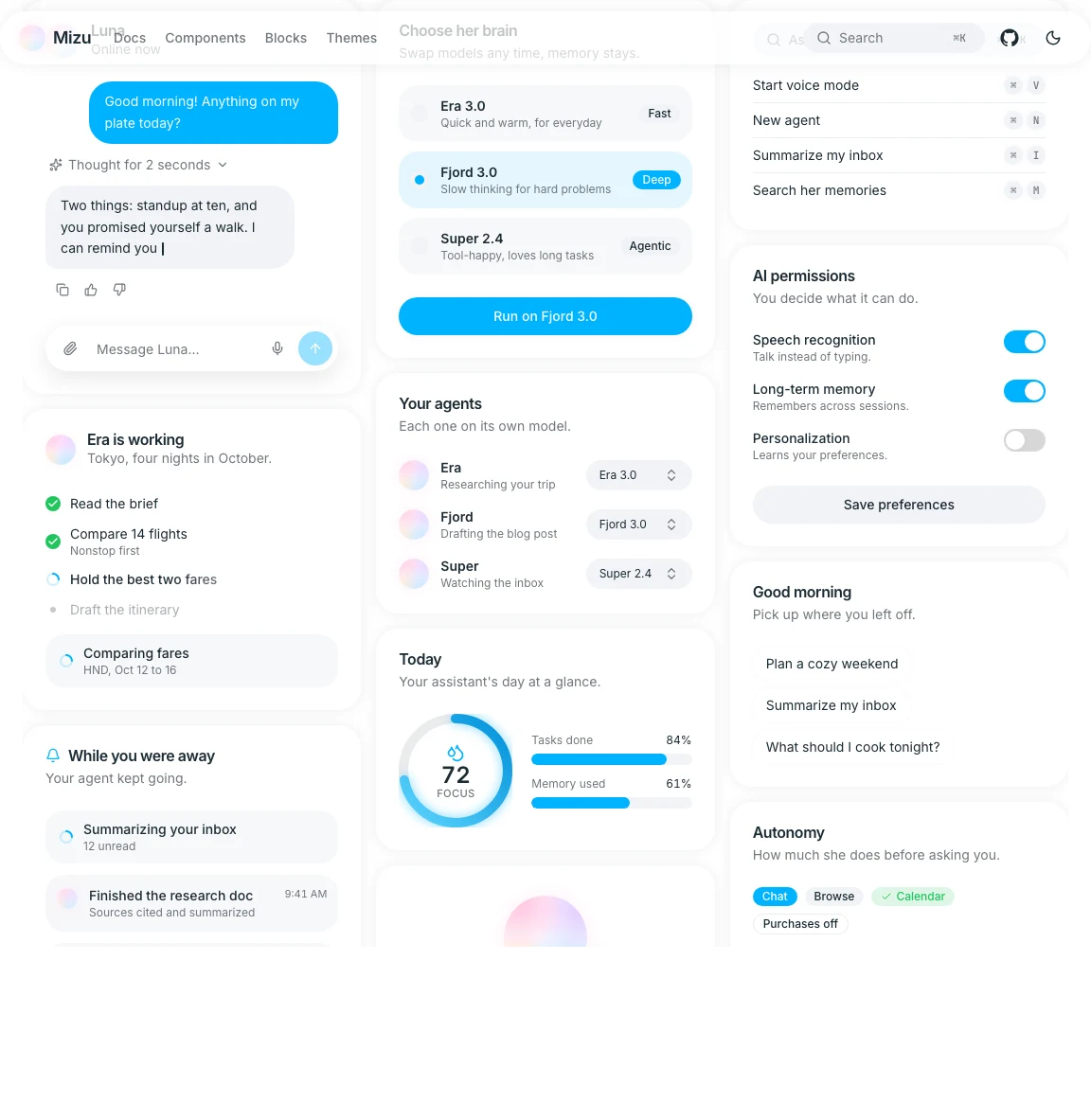
Source-Owned by Default
Distribution is part of the product design. Mizu uses a shadcn-svelte-compatible registry: teams install a component with one command, receive the source in their own project, and can change it without waiting on a package release.
npx shadcn-svelte@latest add https://mizu-ui.com/r/button.json
Each component is written for Svelte 5 and Tailwind CSS v4, with accessible behavior built on bits-ui where appropriate. The documentation combines a live preview, usage guidance, API details, and full source so designers and developers can evaluate the same artifact together.
This architecture keeps the system useful beyond its default appearance. Mizu provides the decisions and patterns, but the adopting team keeps control.
Outcome
Mizu shipped as a live documentation site and open-source registry with:
- 79 production-ready components across actions, forms, surfaces, overlays, navigation, feedback, and AI
- 15 purpose-built AI patterns for chat, voice, reasoning, tools, sources, planning, and streaming
- Light and dark themes driven by semantic CSS variables
- A single primary token that recolors accents, focus, and intelligence states
- Copy-in source distribution through the shadcn-svelte CLI
- Component-level documentation plus machine-readable guidance for coding agents
- Reduced-motion behavior designed into animated components
The result is a system that can support an entire product rather than only its chatbot. The conventional interface and the AI behavior speak the same language, and the team adopting it owns every line.
Mizu is live and open source. Browse the component library at mizu-ui.com or inspect the source on GitHub.
What I Learned
A design system for AI needs behavioral rules, not just visual tokens. Streaming, reasoning, tools, and autonomy introduce time and uncertainty. The system has to define how those states enter, update, complete, and fail.
Restraint makes expressive moments stronger. When every surface glows, the glow communicates nothing. Reserving color and atmosphere for intelligence gives those moments meaning.
Distribution is part of the experience. A beautiful component that is difficult to install, inspect, or adapt is not a successful system component. Source ownership made the implementation model match the product values.