Take Back Your Digital Privacy: A Beginner's Guide

TL;DR
You are being tracked across every app, device, and website you use. The "I have nothing to hide" argument is a trap. You do not need to be a hacker or a criminal to deserve privacy. Start with three easy switches: get Mullvad VPN ($5/month, you can literally pay with cash), use Firefox with DuckDuckGo as your search engine, and move your email to Proton Mail. These are the tools I use every single day.
The Wake-Up Call
It started with a pair of shoes.
I was talking to a friend about running shoes. Not searching. Not browsing. Just talking. The next morning, my Instagram feed was flooded with Nike ads. My YouTube sidebar was pushing running gear reviews. Even my email had a coupon from a shoe store I had never visited.
That was the moment I stopped brushing it off as coincidence.
Once you start noticing it, you cannot stop. You search for a flight, and suddenly every website you visit has ads for that exact destination. You text somebody about a restaurant, and Yelp sends you a push notification for that neighborhood. You browse a product once, and it follows you across the internet for weeks.
This is not a bug. This is the business model.
You Are Not the User. You Are the Product.
Here is the uncomfortable truth: most of the apps and services you use every day are not free. You are paying for them with your data. Every search you make, every website you visit, every message you send, every location you check in at is being harvested, packaged, and sold to advertisers.
Google alone processes over 8.5 billion searches per day. Every single one of those searches is logged, profiled, and used to build an advertising profile on you. Facebook tracks you across the internet even when you are not on Facebook, using invisible tracking pixels embedded on millions of websites. Your ISP can see every domain you visit and can legally sell that browsing history to data brokers.
You are not browsing the internet. The internet is browsing you.
"But I Have Nothing to Hide"
I hear this one constantly. It is probably the most common response I get when I bring up digital privacy with friends and family.
Let me ask you something. Do you close the bathroom door? Do you put curtains on your windows? Do you whisper when you are telling somebody a secret? You are not doing anything illegal in any of those situations, but you still want privacy. That is because privacy is not about hiding wrongdoing. It is about having autonomy over your own life.
Here is another way to think about it. Would you hand your unlocked phone to a stranger on the street? Every text, every photo, every search, every note? Of course not. But that is essentially what you are doing every day by using services that track everything and sell it to the highest bidder.
Edward Snowden put it perfectly: "Arguing that you don't care about the right to privacy because you have nothing to hide is no different than saying you don't care about free speech because you have nothing to say."
Privacy is not a privilege for the paranoid. It is a fundamental right. And the good news is, taking it back is easier than you think.
Step 1: Get a VPN
A VPN (Virtual Private Network) encrypts all of your internet traffic before it leaves your device and routes it through a secure server. This means your ISP, your network administrator, and anyone snooping on your Wi-Fi cannot see which websites you visit or what you are doing online. They can see that you are connected to a VPN, but that is it. The contents of your traffic are completely hidden.
I use and recommend Mullvad VPN. It costs a flat 5 EUR per month. No tiers, no upsells, no annual lock-in. Just five euros.
Why Mullvad?
In April 2023, six officers from Sweden's National Operations Department showed up at Mullvad's office in Gothenburg with a search warrant. They came to seize computers containing customer data as part of an international investigation with Germany. Mullvad's team calmly explained that no customer data existed. They demonstrated how their system works. The police consulted with the prosecutor, and then left the office without taking a single thing.
That is not a marketing claim on a website. That is a real-world stress test. The cops showed up, and there was nothing to find.
Pay Anonymously
This is the part that really won me over. Mullvad does not require an email address, a name, or any personal information to create an account. You get a randomly generated account number. That is your entire identity with them.
And you can pay anonymously. You can literally put cash in an envelope with your account number and mail it to Sweden. They open it, credit your account, and shred the envelope. They also accept Bitcoin, Bitcoin Cash, and Monero (which is specifically designed to be untraceable). If you pay with crypto, you even get a 10% discount.
Of course, you can also pay with a credit card or PayPal if anonymity is not your priority. But the fact that the option exists says a lot about the company.
Step 2: Switch Your Browser and Search Engine
Your web browser and search engine are two of the biggest data collection pipelines in your digital life. If you are using Chrome and Google Search, you are essentially handing Google a play-by-play of your entire online existence.
I switched to Firefox as my browser and DuckDuckGo as my search engine. Here is why.
Firefox
Firefox is open source and built by Mozilla, a nonprofit. Unlike Chrome, which is literally made by an advertising company, Firefox has no incentive to harvest your data. It ships with Enhanced Tracking Protection enabled by default, blocking known third-party trackers including many of Google's. It blocks social media trackers, cross-site tracking cookies, cryptominers, and fingerprinters right out of the box.
Chrome, on the other hand, is built by the same company that makes its money selling your attention to advertisers. That is not a conspiracy theory. It is their business model.
DuckDuckGo
DuckDuckGo does not track your searches. Period. It does not build a profile on you. It does not store your search history. It does not serve you personalized results based on what it thinks it knows about you.
When you switch to DuckDuckGo, you eliminate one of Google's most powerful data collection tools. Google Search logs every query, associates it with your profile, and uses it to refine the advertising profile it has built on you. DuckDuckGo also blocks Google trackers on other websites, blocks those annoying Google sign-in pop-ups, and replaces Google AMP links with the original publisher's URL.
An Important Nuance
I want to be honest about something here. Switching to Firefox and DuckDuckGo protects you from advertisers and tech companies tracking you across the web. It does not hide your browsing from your ISP. Your ISP can still see every domain you visit, even if the search content itself is encrypted over HTTPS.
That is what the VPN from Step 1 is for. Firefox and DuckDuckGo solve the tracking problem. A VPN solves the ISP visibility problem. They are complementary, not redundant.
Step 3: Secure Your Email
Your email is probably the single most revealing piece of your digital identity. Think about everything that flows through it: password resets, bank statements, medical records, private conversations, receipts from every purchase you have ever made online.
If you are using Gmail, Google is scanning your email metadata and activity for advertising purposes. They do not read the content of your emails anymore (they stopped in 2017), but they still mine data from who you email, when you email them, what you sign up for, and what purchase receipts hit your inbox.
The gold standard for email privacy is self-hosting your own mail server. But if you are reading this article, you probably do not know what that means yet, and that is completely fine.
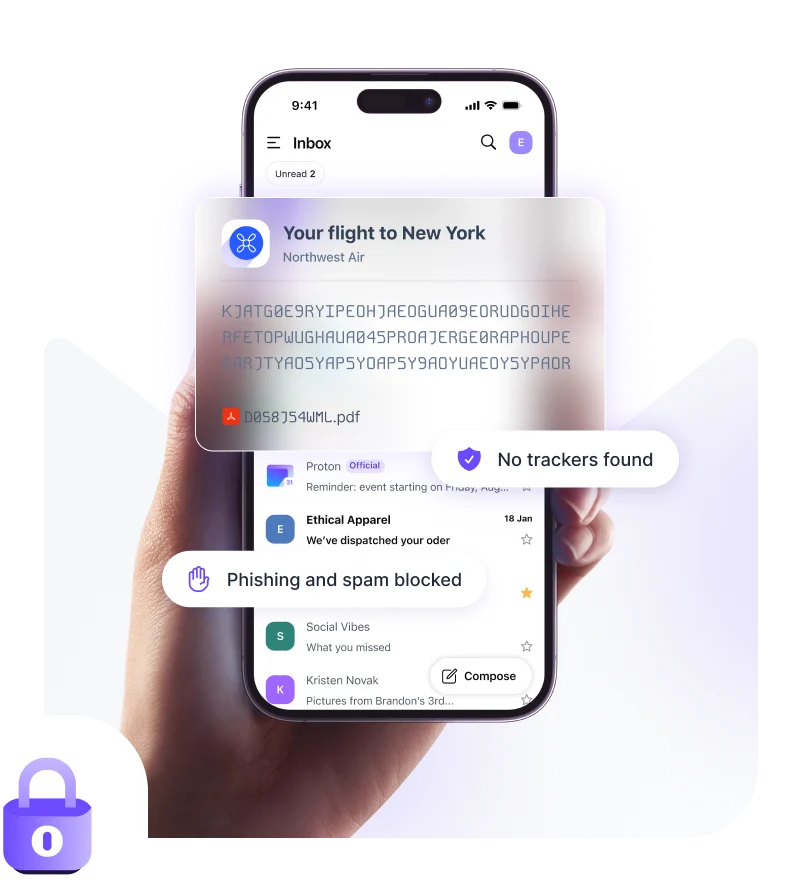
Instead, I recommend Proton Mail. It is what I use every day.
Why Proton Mail?
Proton Mail uses end-to-end encryption. Emails between Proton Mail users are automatically encrypted so that not even Proton can read them, even if a court ordered them to. Emails from non-Proton senders are encrypted on their servers with your key through what they call zero-access encryption, meaning Proton staff cannot read your stored mail either.
Proton is based in Switzerland, which has some of the strongest privacy laws in the world. Switzerland is not a member of the Five Eyes, Nine Eyes, or Fourteen Eyes intelligence-sharing alliances. That matters.
There is no ad scanning. No tracking. No profiling. Their apps are open source and independently audited.
The Catch
I want to be transparent. Proton-to-Proton emails are fully end-to-end encrypted. But when you email somebody on Gmail or Yahoo, it is not end-to-end encrypted by default because the recipient's provider can read it on their end. Proton does offer a password-protected email feature for sensitive messages, but it requires sharing the password through a separate channel.
Also, the free tier only gives you 1 GB of storage compared to Gmail's 15 GB. Paid plans start at about 4 EUR per month. It is not free, but then again, when the product is free, you are the product.
Start Small, Start Now
These three tools, Mullvad, Firefox with DuckDuckGo, and Proton Mail, are what I use every single day. They are the foundation of my digital privacy setup, and they took me about an hour to set up total.
You do not need to go full tinfoil hat overnight. You do not need to delete every social media account or move to a cabin in the woods. Privacy is a spectrum, and every step you take in the right direction matters.
Start with one. Maybe swap your search engine to DuckDuckGo right now. It takes thirty seconds. Then try Firefox. Then consider Mullvad. Then Proton Mail. Before you know it, you have taken back a significant chunk of your digital life.
The companies profiting off your data are counting on you being too lazy or too indifferent to do anything about it. Prove them wrong.